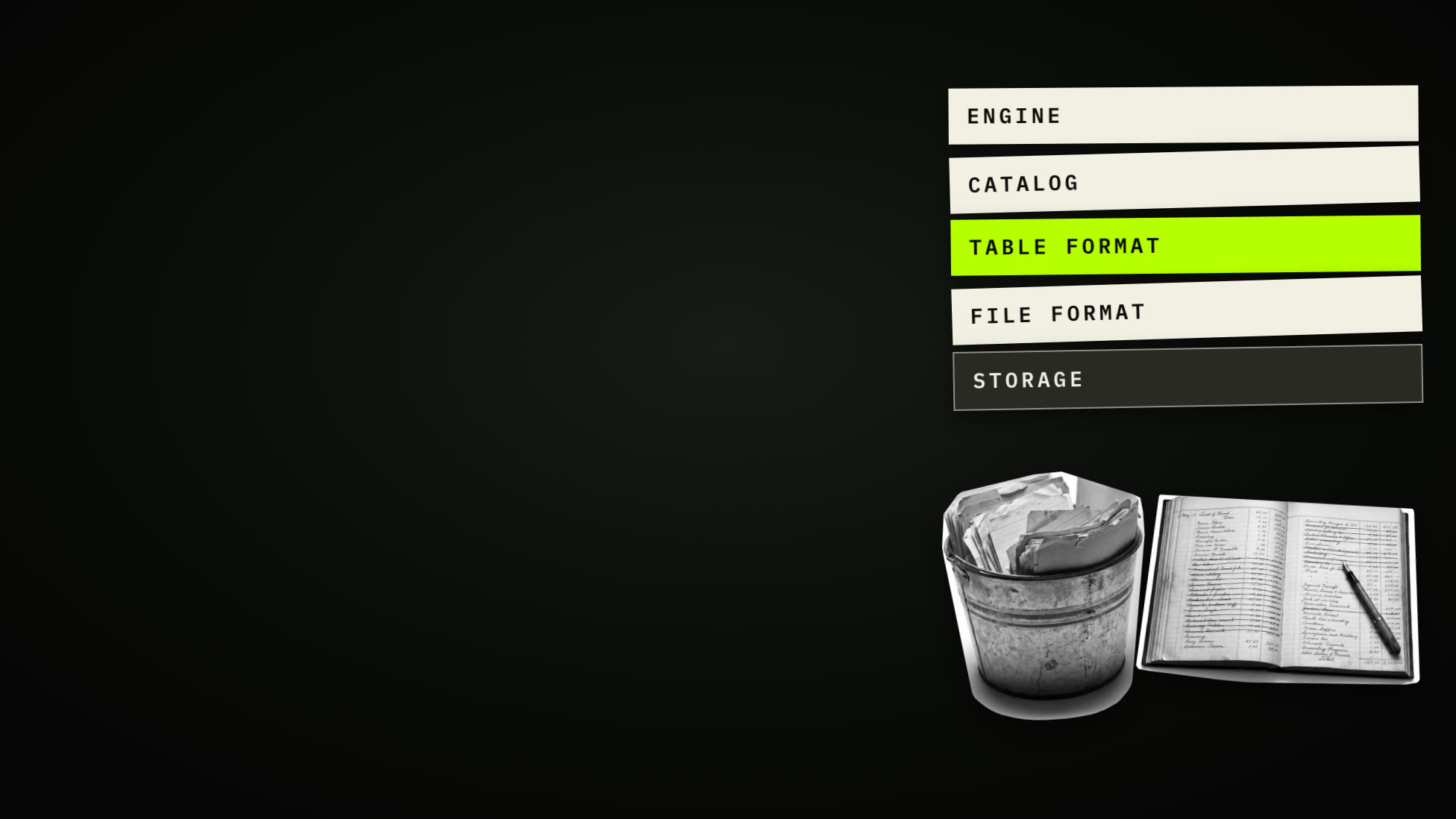
Tables Made of Files: What a Lakehouse Is and When to Use One
File format, table format, catalog and engine: what each part does, why it exists, when you want one at all, and what it costs.
A customer writes to a small online shop: please delete my data. Someone deletes her row, and the customers table answers. Eleven customers. She is gone.
Now open the bucket that table lives in and read its data files. Three files, twenty-one rows. She is still in one of them, and nine other customers are in there twice.
Nobody made a mistake, and both answers are true. One is about files, the other about a table. The gap between them is what a lakehouse is.

The shop, its customers and their addresses are invented. The files, the Iceberg and Delta tables and the scan are real: written into an S3-compatible bucket on a local test lab and read on 3 November 2026. The diagrams are ours, from the film above; where a diagram is an illustration rather than a measurement, it says so.
Why not just Postgres?
For an application, you should. A database keeps the data and the engine that reads it in one box, and it is very good at one customer, one order, one row at a time.
Analytics asks the other way round: one column, across a billion rows. A row store keeps each row’s values together on disk, so to sum one column it reads every row whole. When the data outgrows the box, you buy a bigger box. And only that database can read its own files, so every other tool, a notebook, a BI tool, a training job, goes through it or gets a copy.

Why not just a bucket?
So put the data in object storage instead. A bucket is cheap, it never fills up, and any tool can read a file in it. That is the data lake.
But a bucket only knows files. Ask it for the customers table and it cannot tell you which files that is. Two jobs write at once and one overwrites the other. A reader arrives in the middle of a write and sees half of it. Delete one customer, or rename a column, and you rewrite files by hand. Teams had a name for where that ends: the data swamp.

The usual fix was a second copy, loaded every night into a warehouse for the SQL. Two copies to pay for, a dashboard a day behind, a format only the warehouse reads, and machine learning still reading the lake, so one number came from two places and they did not always agree.
What is a data lakehouse?
A data lakehouse keeps one copy of the data: open files in cheap storage. Then it adds a little bookkeeping that makes a folder of files behave like a database table. The name comes from a 2021 research paper; the pieces are older. There are four of them, on top of the storage:
| Part | What it does | Examples |
|---|---|---|
| File format | Lays out the bytes inside one file | Parquet, ORC, Avro, Lance, CSV, JSON |
| Table format | Says which files make up the table right now | Iceberg, Delta Lake, Hudi, Paimon, DuckLake, Lance |
| Catalog | Says where a table is, by name, and who may use it | Hive Metastore, Polaris, Unity Catalog, Glue, Nessie, Gravitino |
| Engine | Does the reading and the arithmetic | Spark, Trino, Flink, DuckDB, the cloud warehouses |

File formats: how the bytes are laid out
CSV and JSON are text, one row after another: easy for people, large and slow for machines. Every value is a string until something parses it.
Parquet (2013) stores each column together, compressed, and writes down the smallest and largest value of every block of rows. A query for October’s total reads one column, and skips every block whose dates fall outside October. That is why a query over a large Parquet table can read a small part of it.

ORC does the same, from the Hive world. Avro keeps whole rows with their schema, which suits messages and streams (Iceberg writes its own file lists in Avro). Lance is columnar too, but quick at fetching single rows and vectors, which is what machine learning asks for.
| File format | Layout | Good at |
|---|---|---|
| CSV, JSON | Text, row by row | Exchange with people and other systems |
| Parquet | Columns, compressed, min/max per block | Analytics: few columns over many rows |
| ORC | Columns, compressed, indexes | The same, in the Hive world |
| Avro | Rows, schema in the file | Messages, streams, metadata |
| Lance | Columns, fast random access | Embeddings, training data, search |
Still, a Parquet file is just a file. Ten thousand of them are not a table.
Table formats: the ledger
That is the table format’s job: a ledger, kept beside the files, of which files make up the table right now.
Nothing is changed in place. A write adds new files, then a new version of the ledger. Readers follow the ledger, so they see the table before the write or after it, never half. Because old versions stay, you can read the table as it was on Tuesday. A rename is one entry in the ledger, not a rewrite. A delete either rewrites the one file the row is in (copy-on-write) or leaves a short note that says this row is gone (merge-on-read: delete files, deletion vectors).

Our table, read twice
Here is the shop’s customers table in its bucket: three data files, five
versions of the ledger (metadata.json), and the Avro lists that tie them
together.
s3://lake/shop/customers/
  data/
    00000-0-4871a10d-….parquet    10 rows, column "email"
    00000-0-93e15aee-….parquet     2 rows, column "contact_email"
    00000-0-2a35b1a0-….parquet     9 rows, customer 4 left out
  metadata/
    00000-….metadata.json … 00004-….metadata.json
    snap-….avro (3)   ….avro manifests (4)
Read the data folder as plain Parquet files and you get 21 rows, two names for
one column, and the customer who asked to be forgotten. Read it as a table and
you get 11 rows, one column called contact_email, and no trace of her. The
files never changed. The ledger moved on to a file without her.

This is the most practical thing to know about a lakehouse: a tool that reads the files instead of the table gives wrong answers. It counts deleted rows, counts some rows twice, and reports columns under names the table no longer uses.
Where the table formats came from
Table formats came from teams who hit the same wall.
| Format | Origin | How it keeps the ledger | Built for | In the bucket |
|---|---|---|---|---|
| Hive tables | Facebook, 2008 | A table is a folder, a partition a folder inside it | SQL over files | customers/country=NL/… |
| Apache Iceberg | Netflix, 2017 | A tree of metadata over the data files | Correctness at scale, many engines | metadata/*.metadata.json |
| Delta Lake | Databricks, open-sourced 2019 | A numbered log of commits | Spark pipelines | _delta_log/00…01.json |
| Apache Hudi | Uber, 2016 | A timeline of commits | Upserts, reading only what changed | .hoodie/ |
| Apache Paimon | Flink’s table store | Snapshots over an LSM tree | Streaming updates merged as they arrive | snapshot/, schema/ |
| DuckLake | DuckDB Labs, 2025 | Tables in an ordinary SQL database | Simple setups, fast small commits | the catalog database |
| Lance | The Lance project | Its own versioned files | Machine learning, vectors | _versions/*.manifest |
Hive’s rule was simple, and it broke at scale: listing millions of files was slow, and no change was all or nothing. Iceberg was built at Netflix to fix exactly that, and today it has the broadest support across engines. Delta Lake grew up with Spark. Hudi was built at Uber for data that changes all day. Paimon takes the streaming idea further. DuckLake keeps the ledger in a database you already know how to run. Lance versions its own datasets.

Catalogs: which ledger is current
A table keeps many versions of its ledger. Something has to say which one is
current, and what the table is called. The catalog maps a name,
shop.customers, to the current ledger, and swaps that pointer in one step when
a write commits. That swap is what makes a commit all or nothing. It is also
where access is granted.

Hive’s metastore did this first. Today most catalogs also speak one open protocol, Iceberg REST: Apache Polaris, Unity Catalog, AWS Glue, Amazon S3 Tables, Project Nessie, Apache Gravitino, Lakekeeper and the BigLake metastore among them. So one engine can work with many catalogs.
Choose yours with care. The formats are open now. The catalog is where the lock-in moved: names, permissions and history live there.
Engines: one copy, many readers
The engine is whatever does the reading and the arithmetic: Spark, Trino, Flink, DuckDB, and the cloud warehouses, which now read open tables too. That is the point of the whole design. One copy of the data, and each team brings the engine that suits the job: dashboards on one, training on another, nobody copying.
When do you want one?
A rough rule:
- The data fits on one server and one application uses it? Use a database. Postgres will be fine for years.
- One warehouse answers everything, at a bill you accept? Stay.
- Reach for a lakehouse when the data outgrows one machine, when several engines or teams need the same tables, when reports and models must agree, or when you want to own the format your data is kept in.
Then pick the table format by who writes:
| Who writes | Format |
|---|---|
| Many engines | Iceberg |
| A platform built round Spark | Delta Lake |
| A steady stream of updates | Hudi or Paimon |
| Embeddings and training data | Lance |
| A small team that already runs a database | DuckLake |

What it costs
- Small files. Every write leaves files and versions behind. A streaming job that commits every 30 seconds makes 2,880 commits a day, and reads slow down until someone compacts the files.
- Old versions pile up until someone expires them. Time travel is not free.
- Engines lag. New features (deletion vectors, new types) arrive in engines at different speeds, so one may write what another cannot read yet.
- Four parts, four sets of settings. Storage, format, catalog and engine each need upgrading and watching.
- Not for an app’s live data. Single-row reads and writes belong in a database.
And the one that matters for privacy: delete is not erase. Our customer stays in storage until the versions that point at her old file expire and the file is removed. Under the GDPR you have to answer an erasure request within one month (Article 12(3)), so schedule it:
- Delete the row. The table is done.
- Expire the old versions that still point at the old file.
- Remove the files nothing points at any more (with deletion vectors, purge them as well).
- Find the copies made before: exports, backups, replicas.

The quiet cost is knowing what is in it. Tables spread across buckets, catalogs and engines, and soon nobody can say where the personal data is.
Reading a lakehouse in Classifyre
That is the question Classifyre answers, and it reads a lakehouse the way an engine does: through the table, not the files.
Point it at a bucket (S3-compatible, Azure, Google Cloud Storage, or a mounted folder) and it recognises Delta, Iceberg, Hudi, Paimon and Lance tables by their layout, and reads each as one table. Or go through an Iceberg REST catalog, or an engine such as Trino, Athena, BigQuery or Redshift.


Each table becomes one asset: its format and version, the snapshot it read, its columns, and what the detectors found in its current rows.

In the shop’s bucket it read eleven customers and found their eleven e-mail addresses. Not the one who asked to be deleted. It did find her once more: in a CSV export made before the delete, a plain file in the same bucket, and a copy no ledger knows about.

The screens are screenshots of the running app on our local test lab.
Files, table, catalog, engine
Files hold the bytes. The table format says which bytes count. The catalog says where the table is. The engine does the work.
Reach for a lakehouse when many tools need the same data, at a size one box cannot hold. And remember: delete is not erase until the old files are gone.
Which formats are read on which storage, and through which catalogs and engines, is in the docs: Lakehouse Tables, Iceberg REST Catalog, DuckLake and Trino.
More from the blog
Follow the Data: What Lineage Is and How to Read It
A plain-language explainer on data lineage. Why most lineage graphs are unreadable, what flow means, how column lineage works, how far to trust an arrow, how lineage crosses systems, and one real column followed from a warehouse back into a database.
Same or Not? How Duplicate Matching Weighs the Evidence
A plain-language explainer on duplicate matching. How two documents are compared value by value, what a weight is and how the score is worked out, what the two cutoffs decide, how to tune the noise away one change at a time, and what to do with a match that turns out to matter, shown on an invented firm's shared drive.